
Add your pet to a breed or place page with tags
Create a public post and link the pet, breed and place: tags let the content also appear on the related pages.
Create a tagged postWhat you will learn
- 1Open Posts and stories and create a new post from your personal profile

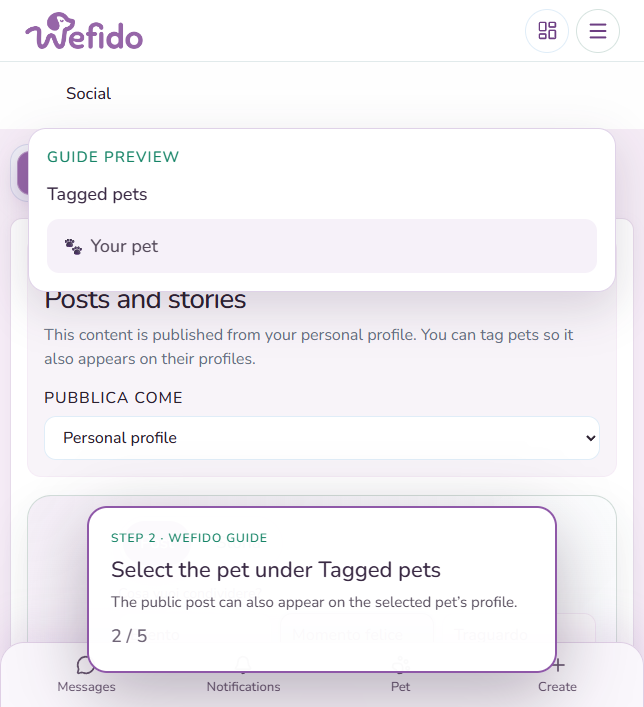
- 2Under Tagged pets select your pet: the public post can also appear on its profile
- 3Under Breeds available in your account select the breed: Wefido suggests those from active pets

- 4Under Places featured in the post search for and select up to 5 Wefido places: the public post can also appear on their pages

- 5Add text or media, review the linked pets, breeds and places, then publish the post

Useful answers for this guide
Is the breed tag suggested automatically?
Wefido suggests breeds from the active pets in your account. You choose which ones to link to the post.
How many places can I tag?
You can link up to 5 Wefido places to a post. The public content can then appear on those place pages.