Wefido step-by-step guide

Request access to manage a business profile

Find the profile, choose an available method and submit the details needed to prove your connection with the business.

Start the guide on Wefido
At a glance

What you will learn

  1. 1
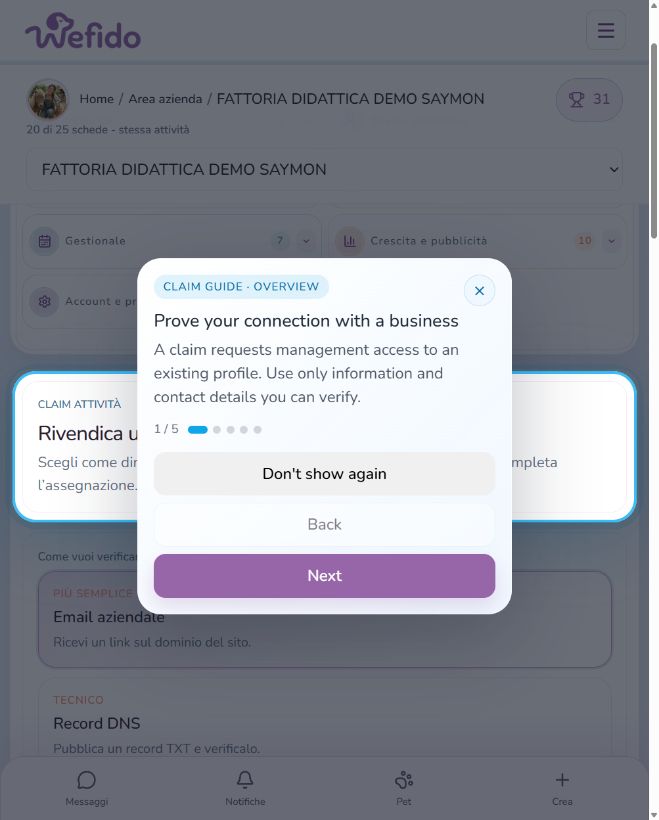
    Open the management request area
    Request access to manage a business profile: Open the management request area
  2. 2
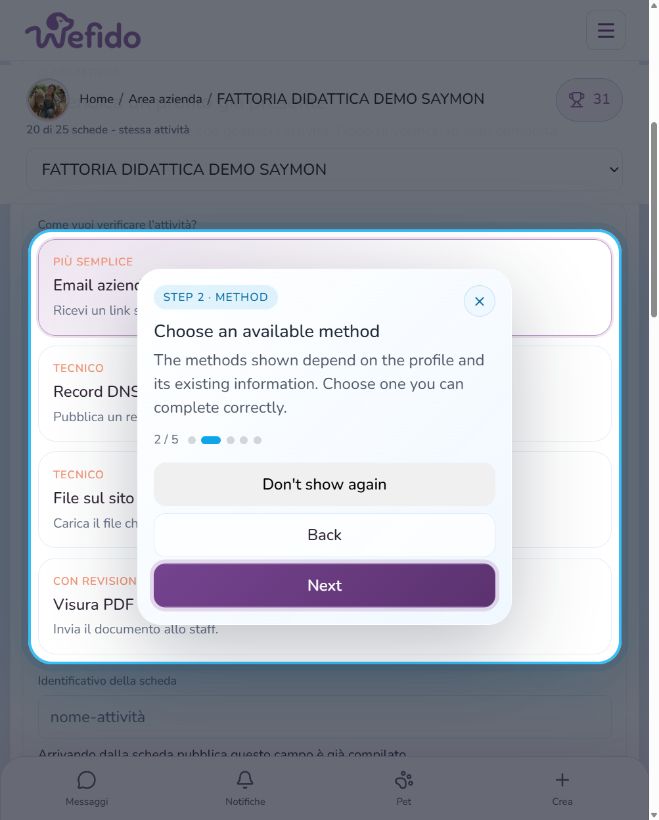
    Choose an available method
    Request access to manage a business profile: Choose an available method
  3. 3
    Select the profile and provide the required details
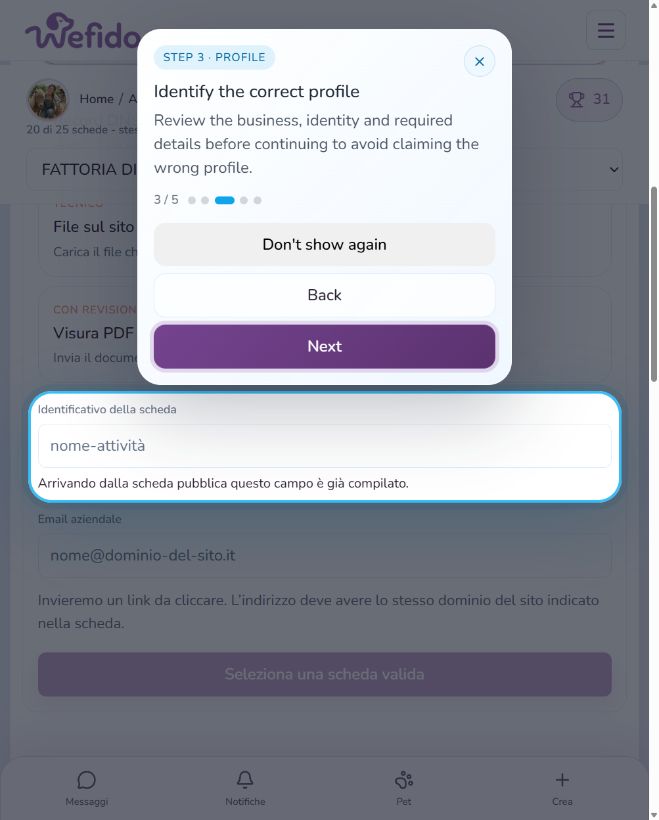
    Request access to manage a business profile: Select the profile and provide the required details
  4. 4
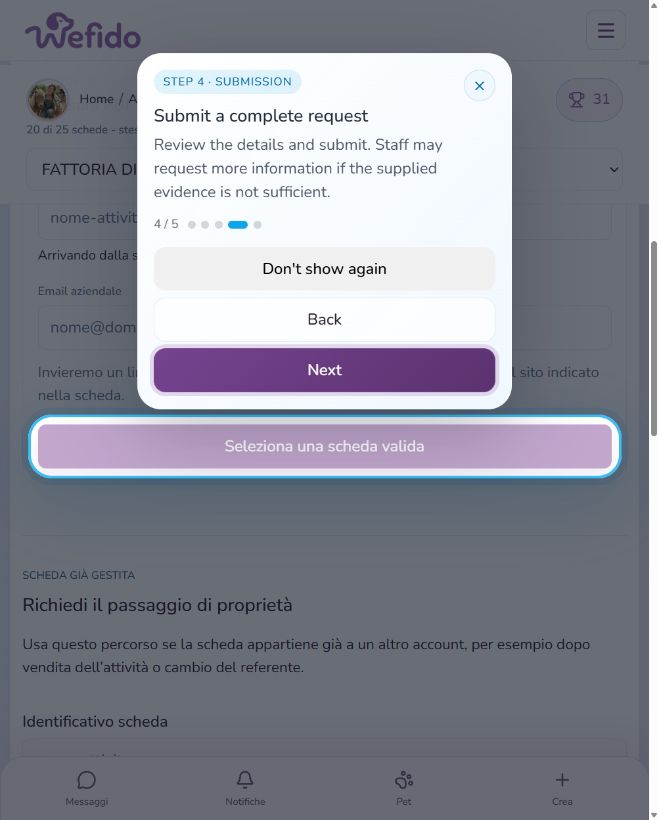
    Submit the complete request
    Request access to manage a business profile: Submit the complete request
  5. 5
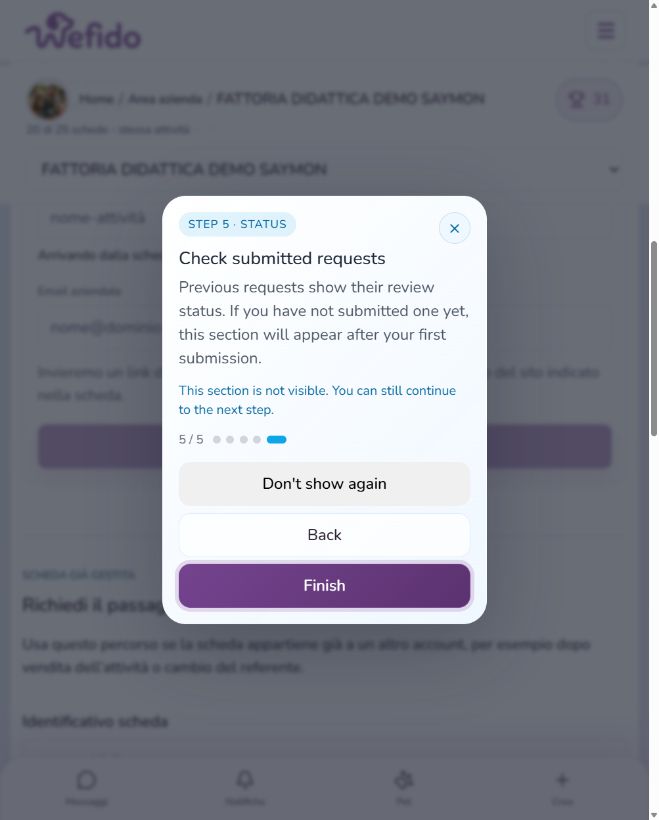
    Check the review status
    Request access to manage a business profile: Check the review status