Wefido step-by-step guide

Manage privacy and sharing on Wefido

Control profile visibility, family connections and individual public fields without changing journal sharing permissions.

Start the guide on Wefido
At a glance

What you will learn

  1. 1
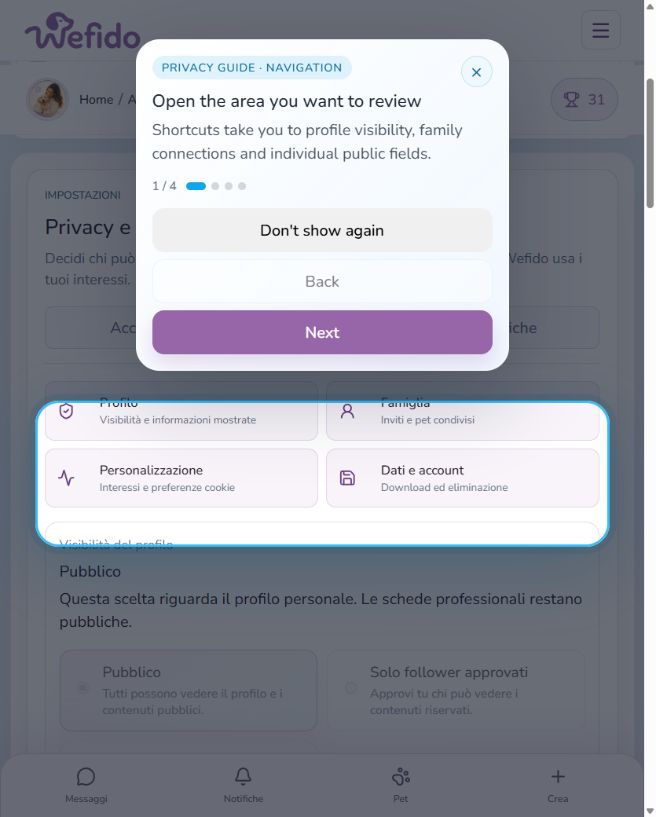
    Open Privacy settings
    Manage privacy and sharing on Wefido: Open Privacy settings
  2. 2
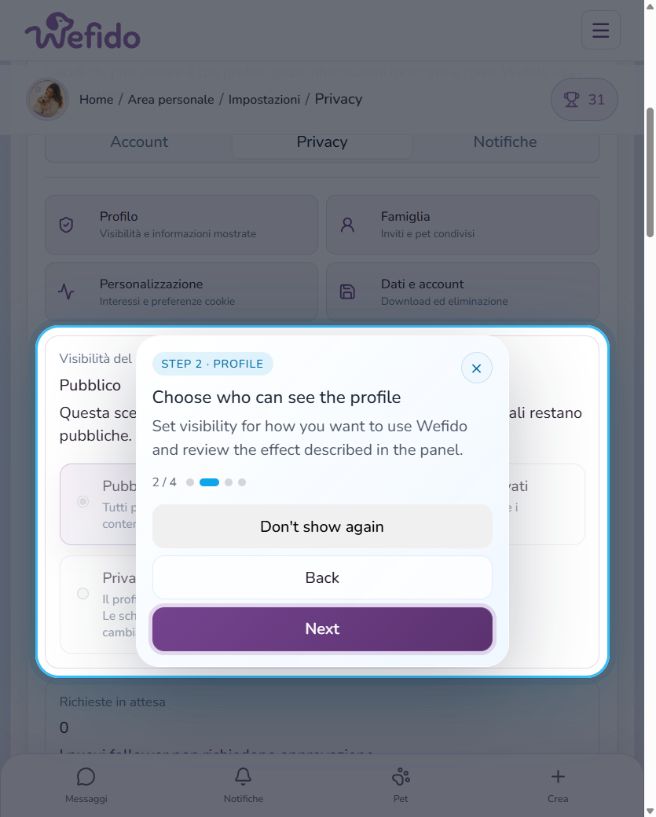
    Choose profile visibility
    Manage privacy and sharing on Wefido: Choose profile visibility
  3. 3
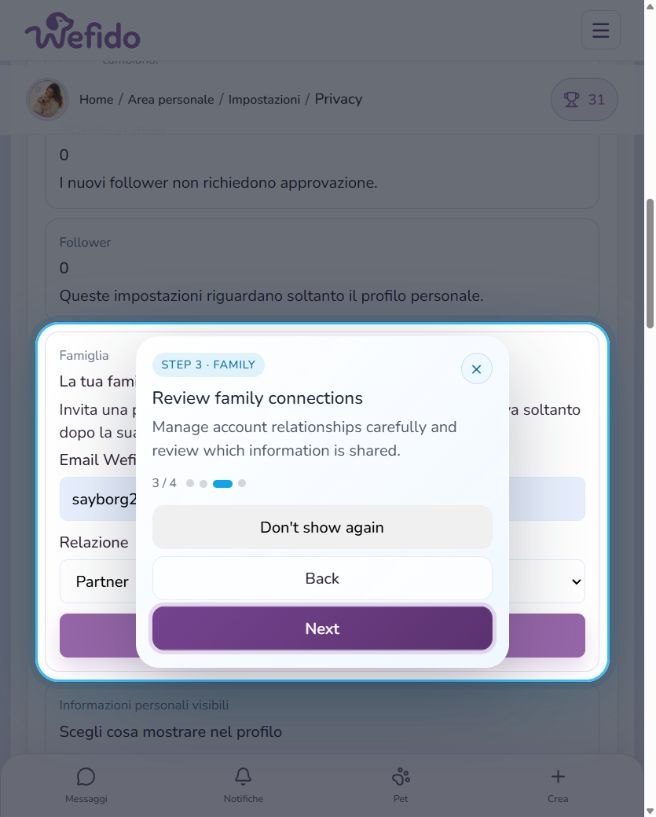
    Review family connections
    Manage privacy and sharing on Wefido: Review family connections
  4. 4
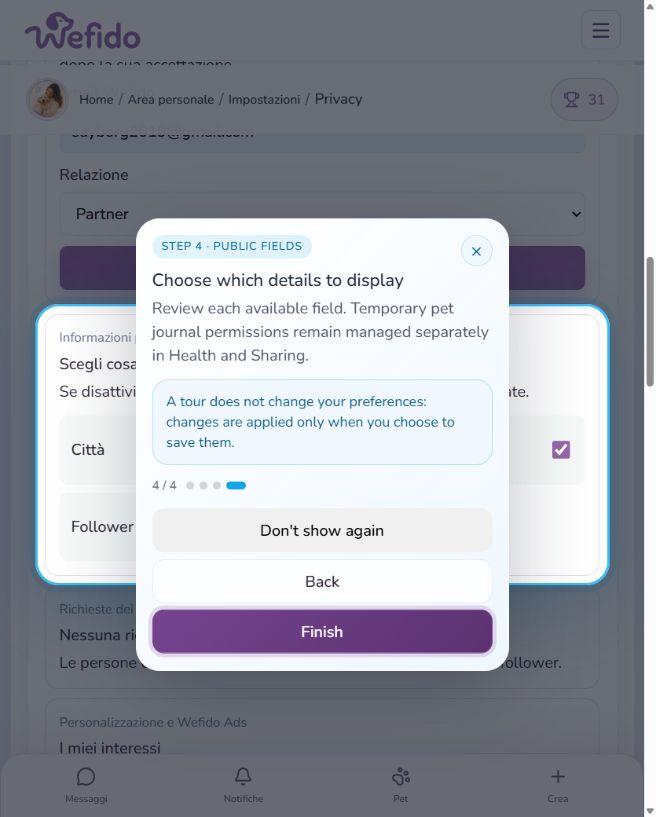
    Choose which fields are public
    Manage privacy and sharing on Wefido: Choose which fields are public