
Add a family member on Wefido
Follow the complete flow, from finding the person to the protected acceptance of the family request.
Open FamilyWhat you will learn
- 1Open My profile and choose Family
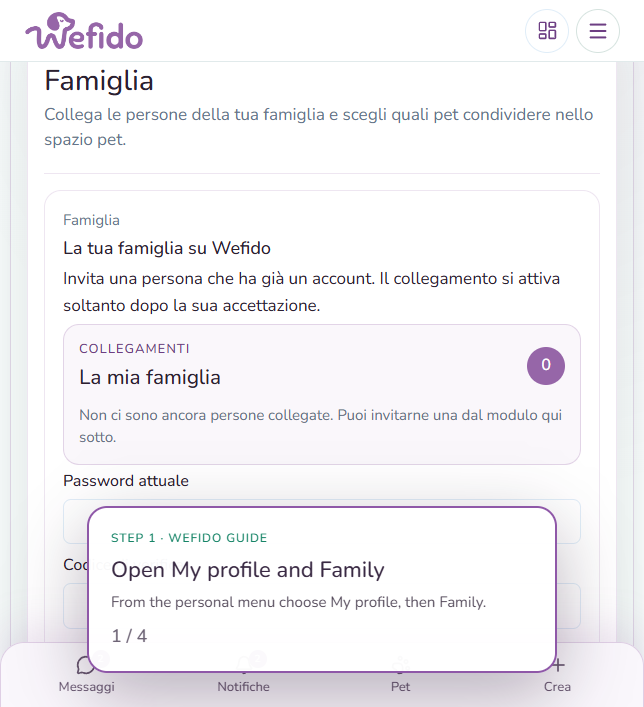
- 2Find the person among friends and followed profiles or use their email
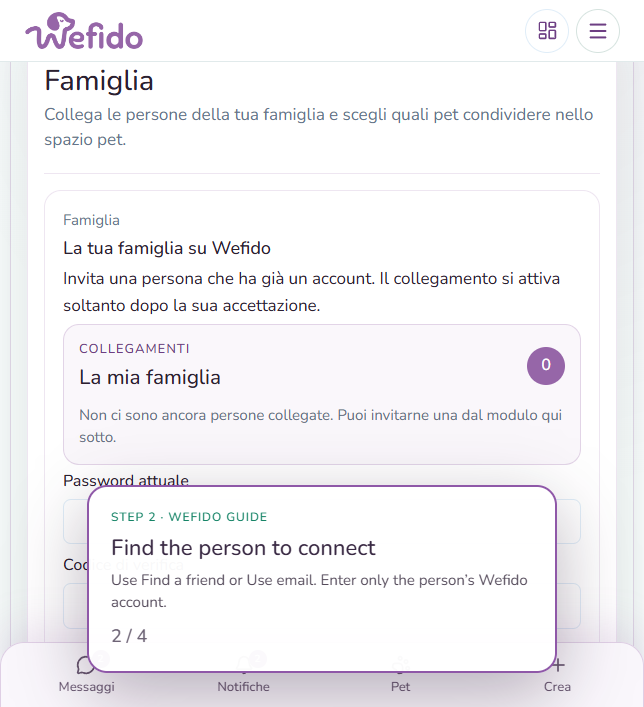
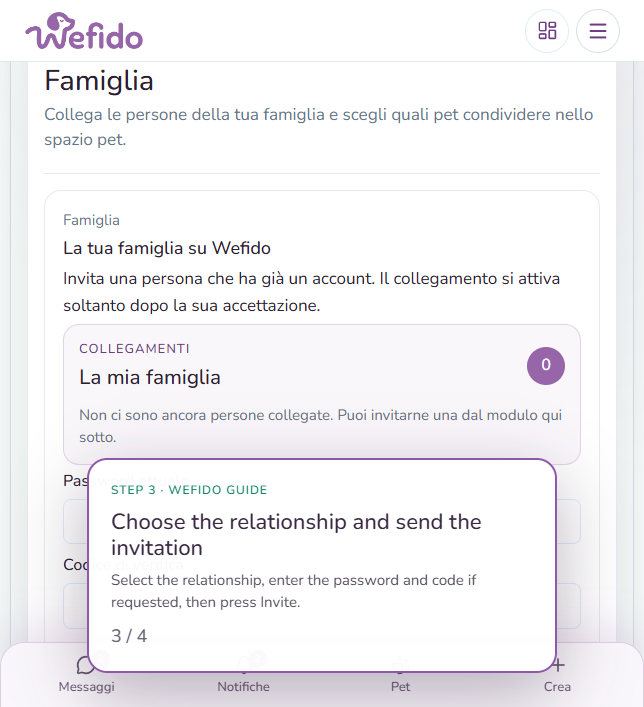
- 3Choose the relationship, reconfirm your identity and send the invitation
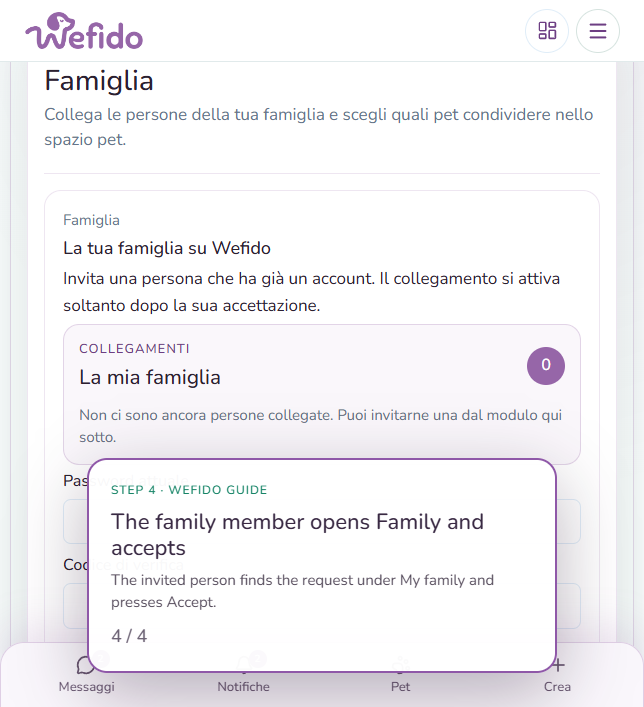
- 4The invited person opens Family, reconfirms their identity and accepts the request
Useful answers for this guide
Does a family link also share the health journal?
No. Family links and health journal permissions are separate controls. Journal sharing is managed from Health for the selected pet.
Can I remove a family link?
Yes. You can remove the family relationship or leave a specific pet using the actions in the same section.