
Pet privacy: rankings and family
Choose whether the pet can appear on public pages and rankings while keeping family access under separate control.
Review pet privacyWhat you will learn
- 1Open Pets, My pets and choose the pet you want to review
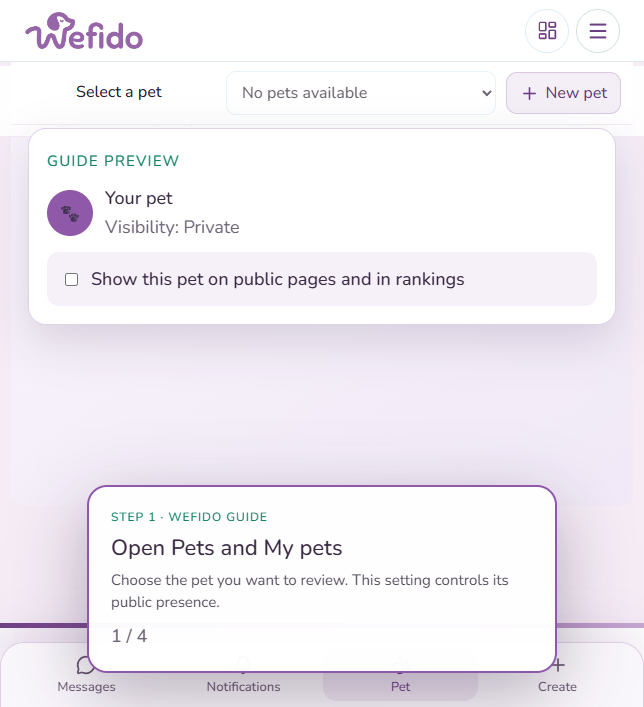
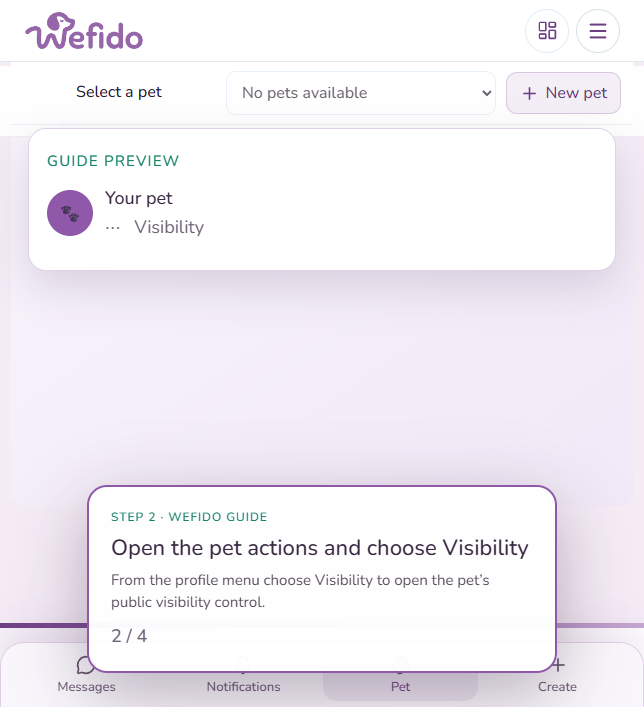
- 2From the profile menu select Visibility
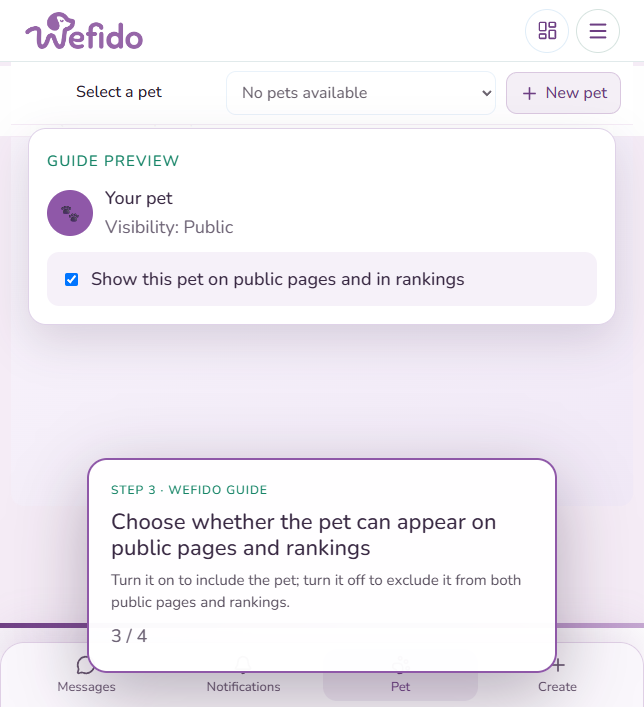
- 3Turn “Show this pet on public pages and in rankings” on to include the pet; turn it off to exclude the pet from both
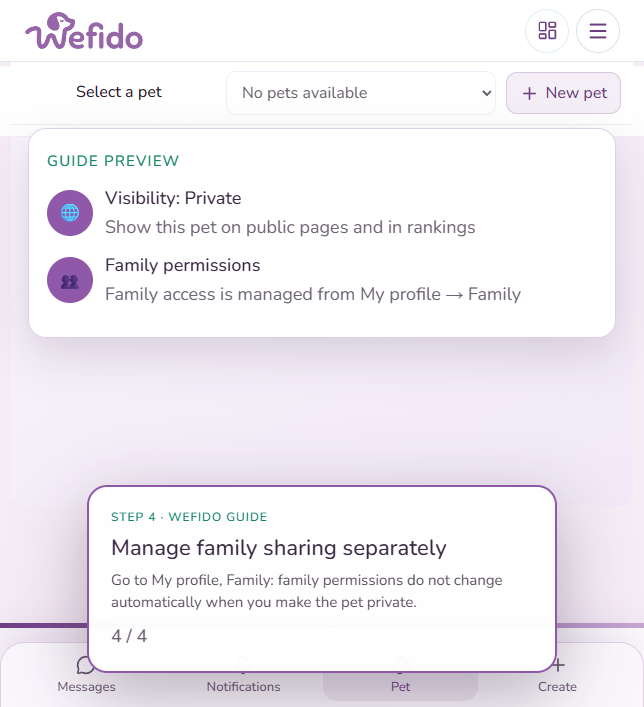
- 4Open My profile, Family to review family access and permissions separately
Useful answers for this guide
Does a private pet appear in rankings?
No. When public visibility is disabled, the pet must not appear on public pages or rankings.
Does making a pet private remove family access?
No. Public visibility and family access are separate controls. Manage family members and permissions from My profile, Family.