
Share a pet with a family member on Wefido
After connecting the family member, choose the shared pet and control exactly what they can view or edit.
Open FamilyWhat you will learn
- 1Complete the connection first, then open My profile, Family
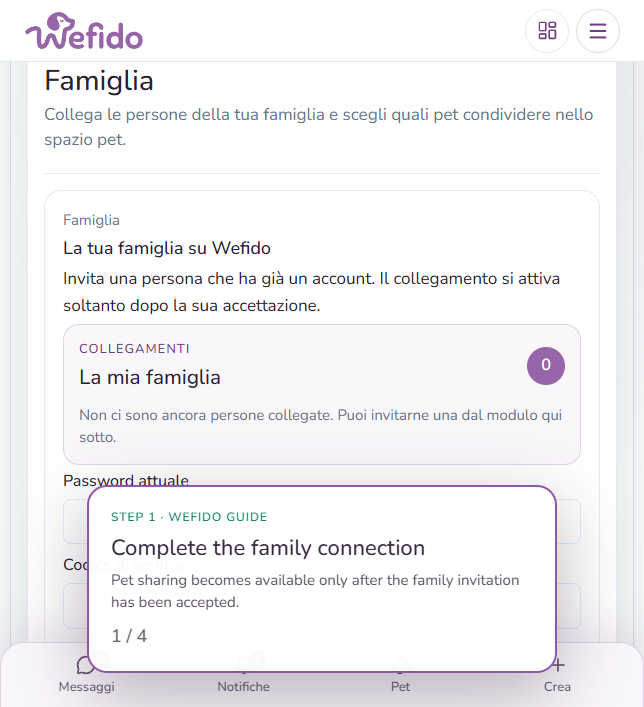
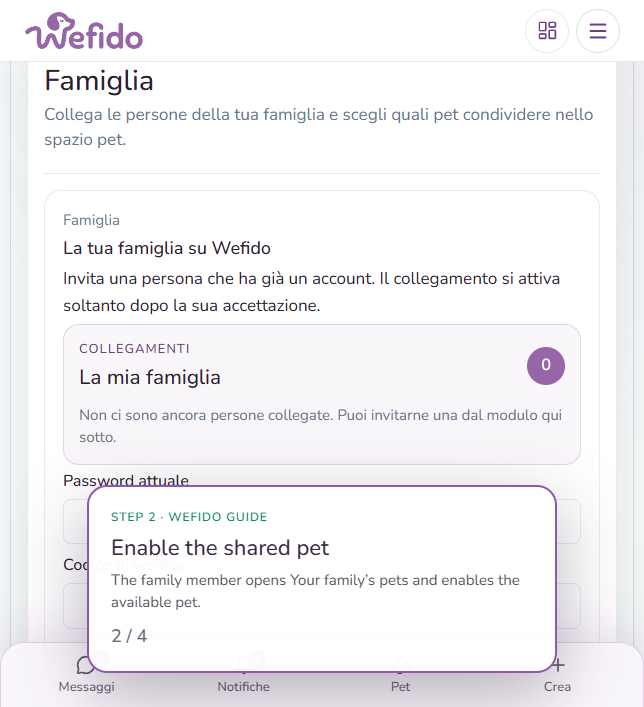
- 2The family member enables the available pet under Your family’s pets
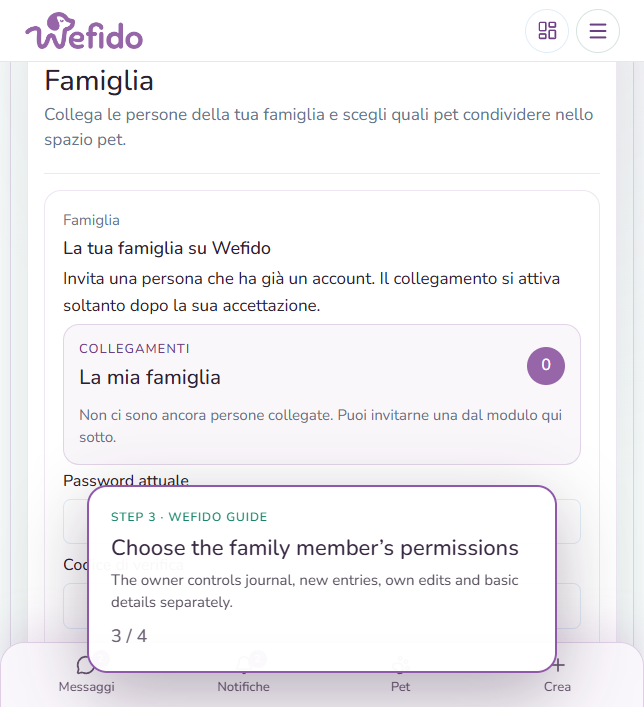
- 3The owner chooses permissions for the health journal, new entries and basic details
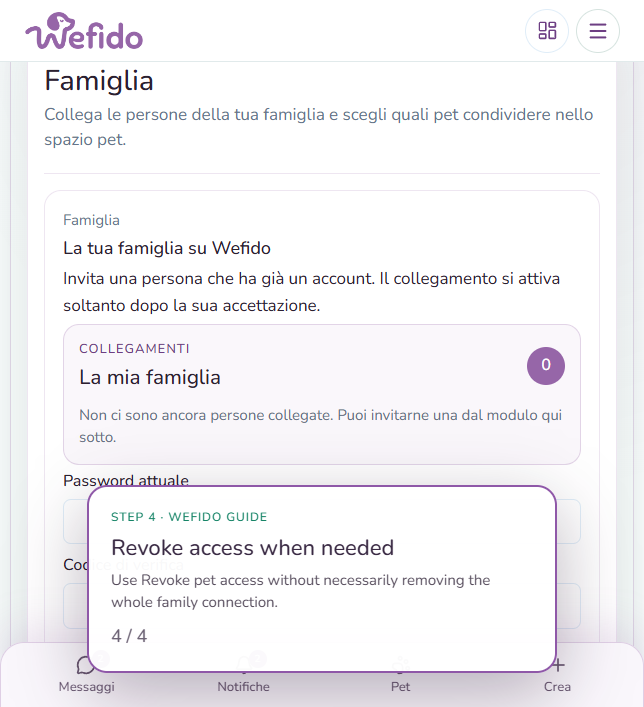
- 4Revoke access to the pet or remove the connection when sharing is no longer needed
Useful answers for this guide
Can the family member automatically see the journal?
No. The pet profile and journal permissions are separate: the owner explicitly enables what the family member can do.
Can I revoke access to one pet only?
Yes. You can revoke access to one pet without necessarily removing the entire family connection.